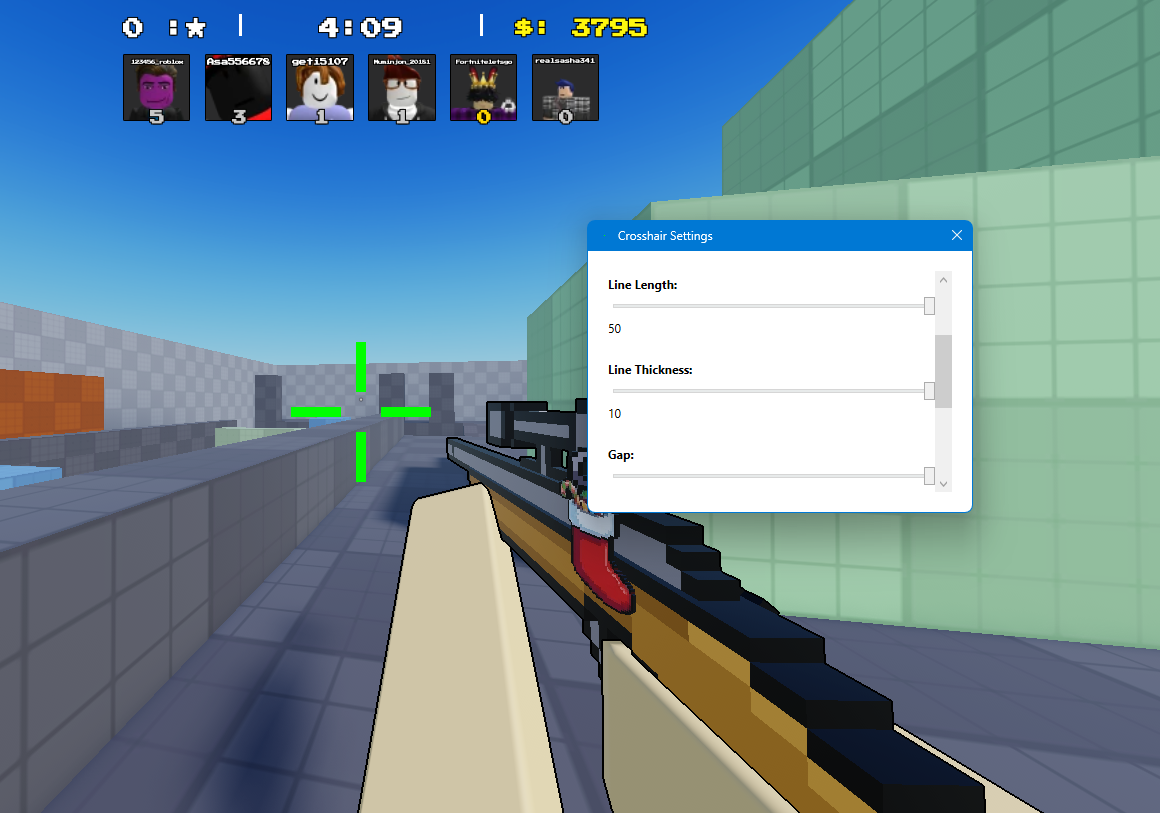
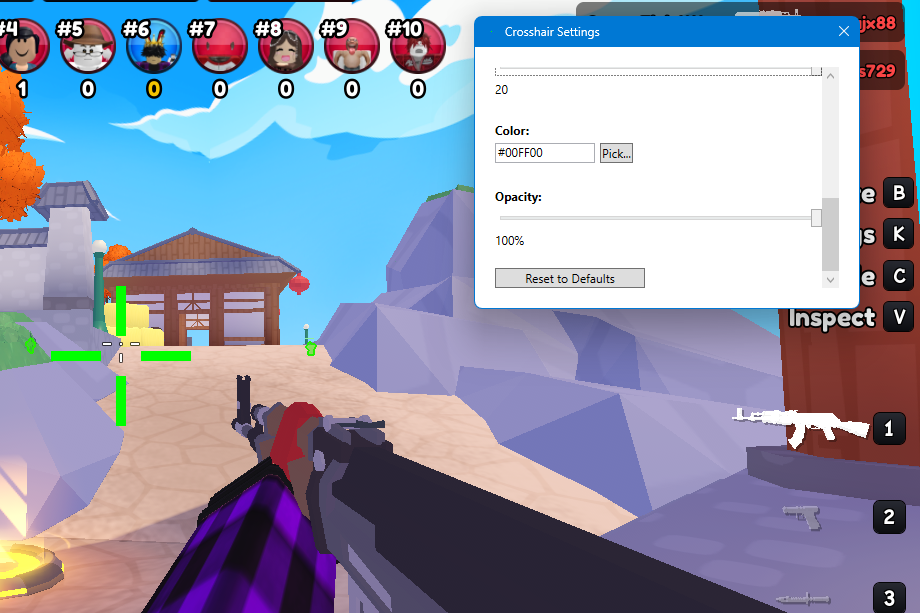
Precision. Clarity. Control.
FCR CrossHair is a lightweight, always‑on‑top custom crosshair overlay designed for players who want consistent aim across any game. No mods, no configs, just pure accuracy.
Windows Download Android APK
How to Download & Install
Downloading FCR CrossHair (Windows)
- Click the Windows Download button above.
- Scroll down to the Assets section.
- Click FCR_Crosshair_Setup.exe.Windows.
- Your browser will begin downloading the installer.
- If your browser asks to keep the file, click Keep or Allow.
Installing the app
- Open the downloaded file FCR_Crosshair_Setup.exe.Windows.
- If Windows shows “Windows protected your PC”, click:
- More info
- Run anyway
- Follow the installer steps.
- Launch FCR CrossHair from your desktop or Start Menu.
Why Windows shows a warning
FCR CrossHair is a new unsigned app. Windows SmartScreen warns users for all unsigned apps, this is normal and safe to bypass.
Android Installation
FCR CrossHair is now officially available for Android. Follow the steps below to install it on your device.
Download Android APK- Tap the Download Android APK button above.
- Your browser will begin downloading FCR_Crosshair.apk.Android.
- If your browser asks for permission, tap Allow or Download.
- Open your device’s Files app and locate the downloaded APK.
- Tap the APK file to begin installation.
- If prompted, enable Install unknown apps for your browser.
- Tap Install to complete setup.
- Launch FCR CrossHair from your home screen.
Features
Customizable Styles
Choose from dots, plus signs, tactical lines, and hybrid crosshairs, all adjustable in size, color, and opacity.
Always On Top
The overlay stays centered and visible over any game without interfering with input or performance.
Lightweight & Fast
Runs smoothly on any modern Windows machine with near‑zero CPU usage.
Safe & Non‑Intrusive
Does not modify game files or memory. Fully external and compliant with typical TOS rules.
Showcase
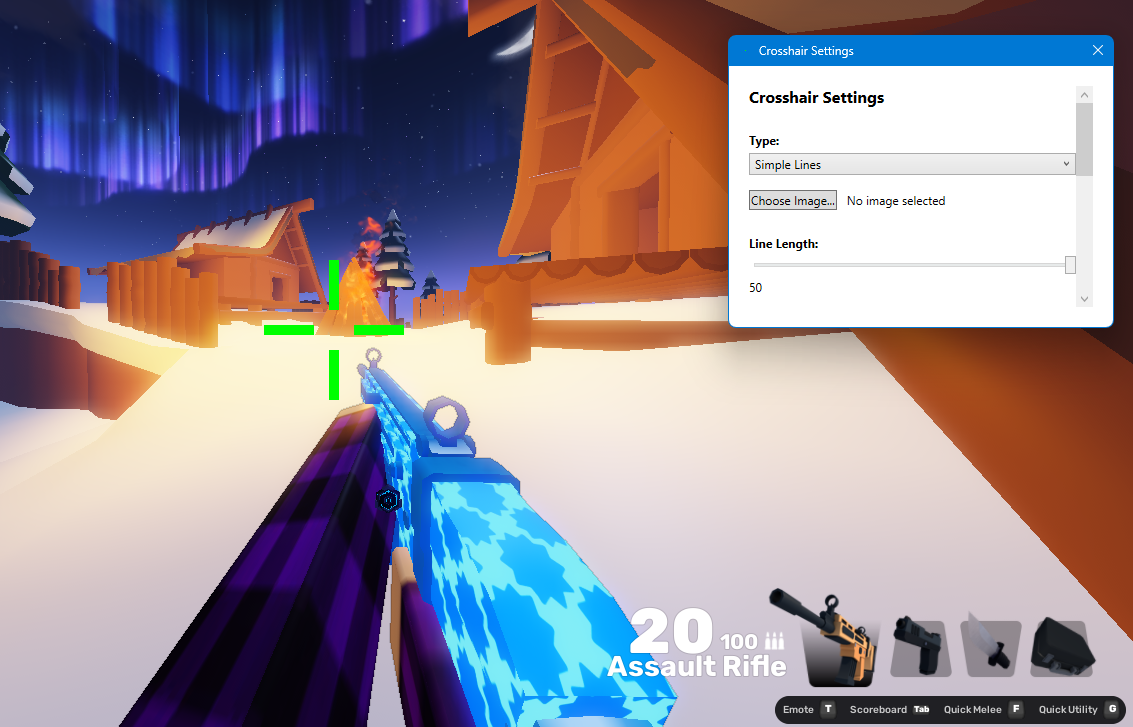
Here are some example previews of the FCR CrossHair overlay in action.